Back to School Reset: 6 Systems That Save My Sanity Every Morning
I've realized that every school year asks something different from our homes. Summer systems don't work during the school year, and that's okay. Our homes need to change with the season.
*This post contains affiliate links and I am an affiliate with Amazon. This means that if you click-through and make a purchase I receive a small commission (at no cost to you). I only write and endorse products I personally use, love and what I find helpful in being an awesome mom. For more details, Click here
That's why, before school starts, I spend a little time setting up simple systems that make our mornings run smoother, help my kids become more independent, and take some of the mental load off my plate.
In this post, I'm sharing some new and old home systems that have made the biggest difference for our family. If you have been around for a while, you know I am all about finding the friction in your home and solving that problem. In fact, I'm addicted to this!! I hope these give you a few ideas to make this school year feel a little calmer and a whole lot less stressful.
These are in no particular order, but man, I can't live without them.
Google Shopping List Automation
I can't tell you how many times I have shopped and not known we were out of something or have someone screaming from the shower that I am out of soap. The mental energy it takes to remember all of the items is a lot.
Enter Google shopping list automation by using the Google Nest. I taught my family to verbally update Google when they run out of something. Then, weekly, I look at the list on my phone.
It's freaking amazing, and my husband no longer has to ask me, "Hey honey, when is the next time you are headed to the store?" He adds what he needs, and I just look at my phone.
This also works great for shopping for school things, like special days or things kids need to bring. Or anything that you may be in charge of bringing food or items too.
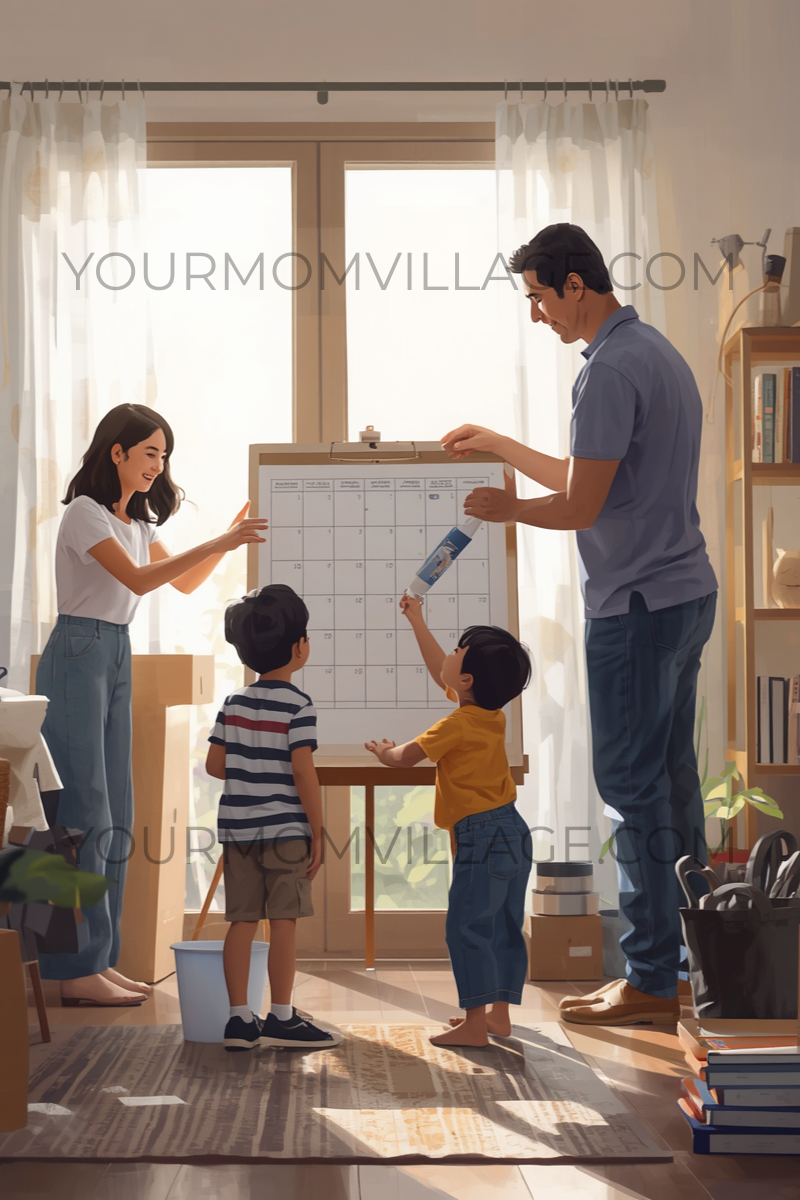
Digital Family Command Center
For the longest time, our command center consisted of a chalkboard and my file system on the counter. I still use and love my file system, so check that out if you need one.
But this year, with the changes of a new school and one child moving from elementary school to middle school, the mental load has increased, and I needed something a little more. You can see my original command center post here with pictures of my chalkboard; all items were from Dollar Tree, and other command center ideas are here.
There are a lot of digital calendars out there, but I wanted something simple and under $100 dollars. These were the touch points I wanted.
- Google Calendar sync
- Chore list
- Different views: weekly/monthly
- Menu display
- No subscription needed
I found one for under $60 dollars on Amazon that fit the bill. It is called the Wanmine Calendar.
Inside my Google Calendar, I have the following categories
- My calendar
- Bible School Calendar
- School Calendar
- Family Events
- Kids Extra Curriculum
- Tasks
- Medical
- Birthdays
I enter all the data and then, using the digital calendar app, I sync my Google Calendar, and it displays it on the screen.
I then added the kids' weekly chores. You can even add a to-do list there.
Now each morning everyone can look at the digital calendar on the wall, scroll through it, make changes, and it will update both on the wall and inside my Google Calendar.
Labeled alarms
Back-to-school season means remembering pickup times, early release, games, and activities. Getting out the door on time without stress is huge, and only once in my life did forgetting an early release day make me feel like a total failure. So now I have labeled alarms on my phone.
- Head to your iPhone's alarm app and create a new alarm
- Create the label and time for the alarm
- Then set the repeat option or date option
I want you to look at this like the external memory running your home.
Remember to think of the friction that you may be experiencing. This could look like maybe forgetting to switch laundry loads, keeping with consistency of when to do a home reset, monthly alarms for home maintenance tasks that need to be done weekly, transition alarms (this works especially well for people with ADHD or young kids who struggle with transition times,
Book Bin system
Mom, where is my library book? I have spent hours of my life tracking down library books, and is it just me, or do the kids grab way too many during the weekly runs and never get to them?
I solved this friction by creating a book bin inside their mudroom lockers. So when they come home with their library books, they go right inside.
When I tidy up and I find a library book from school, I drop it right back into the bin. That way, on library days, we can easily grab them and place them right into book bags.
Water Bottle Drying Station
Every day the kids take a water bottle to school, and they need them for after-school sports, so they are used throughout the day, and I am washing them more often by hand to keep up with the demand.
I wash them daily to prevent bacteria, mold, backwash nasties, and dirty fingerprints on the outside of the water bottle.
My system is a water bottle drying rack, and my routine is right after school or during dinner resets.
Then in the morning I fill it with water and ice. Our favorite bottles are the Owala water bottles, and then I bought my kids these slip-on handles to help them carry them throughout the school day.
voice Automations
The mental toll of running a home with multiple kids and activities is a lot. And that's why I love how technology helps moms carry the mental load.
Using Google Home has been pivotal for me. Daily automations that keep the schedule on track and reduce the nagging/reminders I have to do as a mom are key.
I have my VIP voice automations that keep our daily activities moving along. You can learn a more detailed layout of how I do this in this post.
I think of it this way: anything that repeats daily and I have to announce at a certain time earns a VIP automation spot for the Google Home speaker to announce out loud.
Now you can take it a step further by using multiple speakers and placing them in different rooms of the house or in the kids' bedrooms.
If you struggle with getting out the door on time or with transitions, this could be a game changer. I like to make them quirky to grab people's attention because it creates something called pattern interruption.
Another way to think about this is using music for transitions. In school, I remember things like this, and even when I volunteered inside my daughter's kindergarten classroom, the teacher did this.
For example, you could build an automation for morning transitions
Starter: 7 am each morning on school days
- Announce it is time to get ready for school
- Then ask Google to play Get Ready for School
The speaker will then play a song.
It's just an idea, but so many ways you can use this.
In the end, you don't need to always be the system. Start by paying attention to where you experience the most friction, then create a simple system that helps kids know what to do and where things belong.